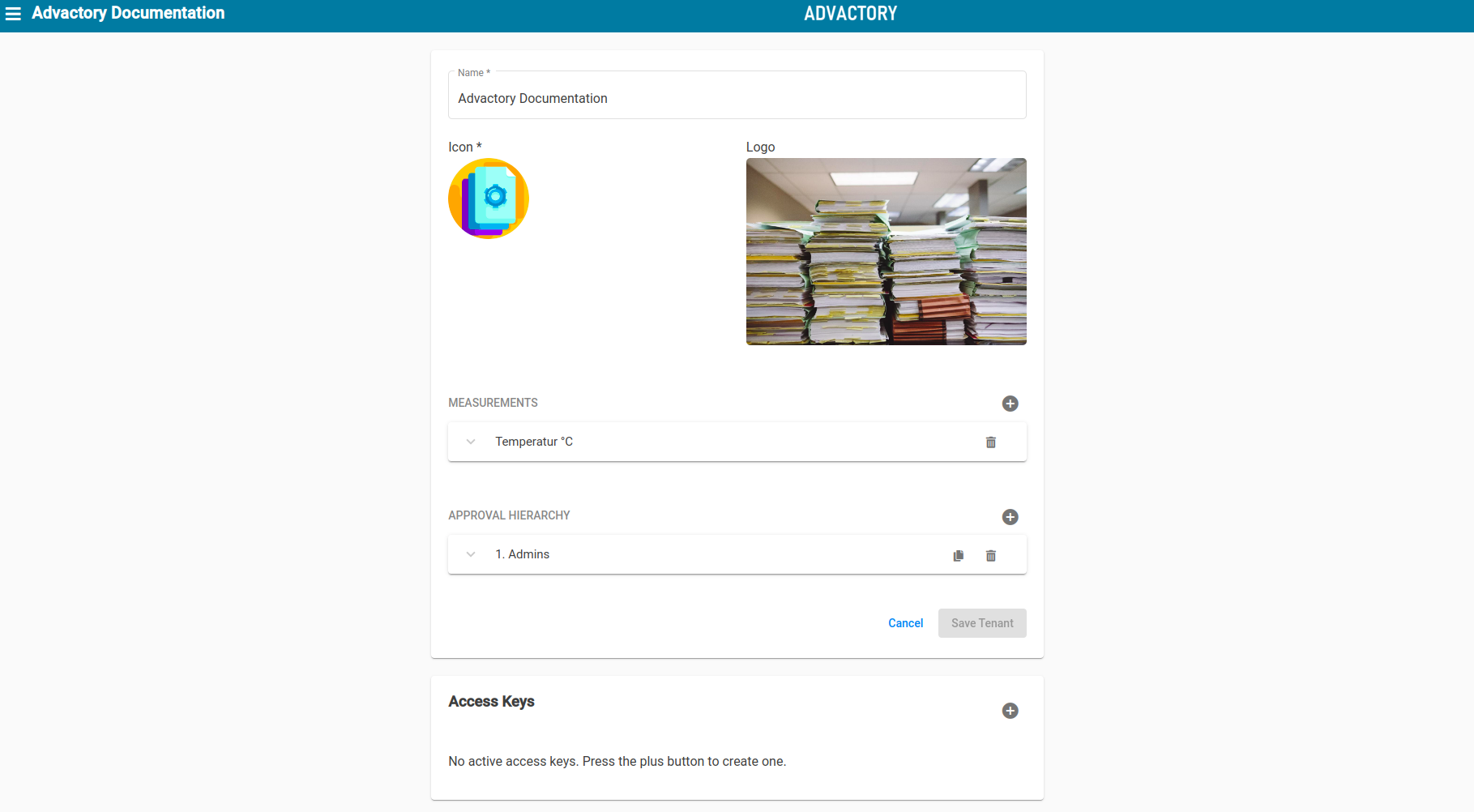
Under the tenant tab the name and design of the tenant can be edited. Moreover there is the possibility to create custom measurement types by pressing the "Plus" sign and inserting name and unit.
Approval Hierarchy
The approval hierarchy for processes and schedules/process plans can also be found here. To add a level of hierarchy press the "Plus" sign. To add responsibles to the level, mark one or more users and/or groups. For each level of hierarchy only one responsible has to accept the approval process. If you desire a verification process with approve of multiple users, add more hierarchy levels. The approval process will start with the first level shown in the hierarchy and go through each level, waiting for the corresponding users to accept the release. As soon as the user in the last level of hierarchy approves, the schedule is released and shown in the schedules tab.
Access Keys
Pressing the "Plus" sign within the access keys group generates an API key to access the GraphQL API: https://api.advactory.com/graphql.