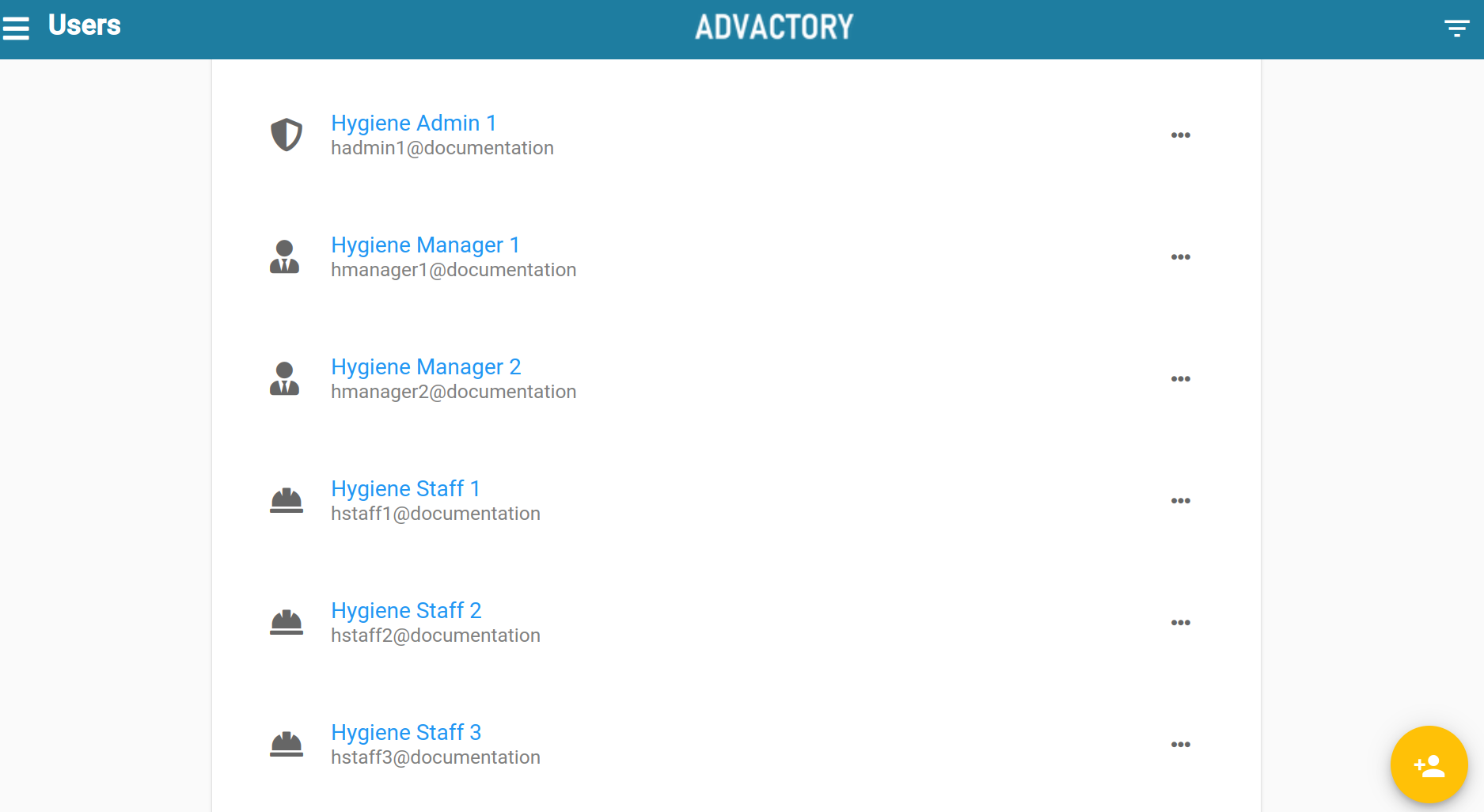
Under the Users Tab user's access rights are managed and new users are created. There are three types of users with different access levels: Operators, Managers, and Admins. Here you can read more about each role.
How to create new users
New users can be added using the yellow button on the lower right corner of the users tab. After filling in the information, the user can now log in into the tenant either by username or email address. Usernames provide users without an email address to login into the tenant, the format of the Username is name@tenant and can be inspected by clicking on the corresponding user.
Change user information
To change user information press the 3 dots next to the user's name. Here you can change information like the mail address, reset the password or delete the user. In case there is a big number of users it is possible to filter by name, email address or role on the right hand side.