Groups
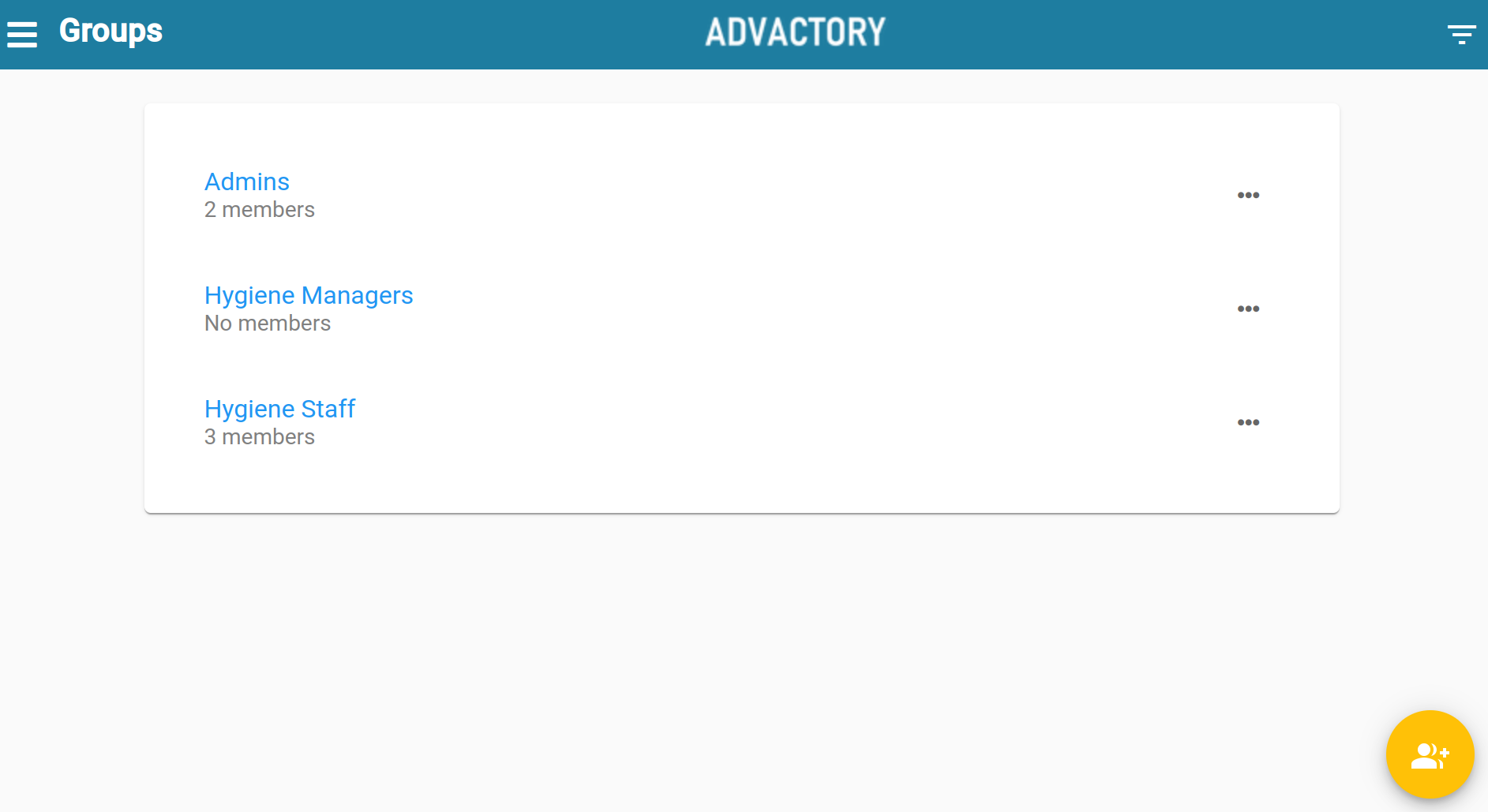
Under this tab users can be assigned to groups. This can be useful, for example, when it is desired to assign a process plan to a certain group of users (e.g. all Operators) or when new processes/process plans shall be released by a group of responsibles (e.g. any of the admins can release if admin group is selected).
More on process plans can be found here, more on release hierarchy can be found here.
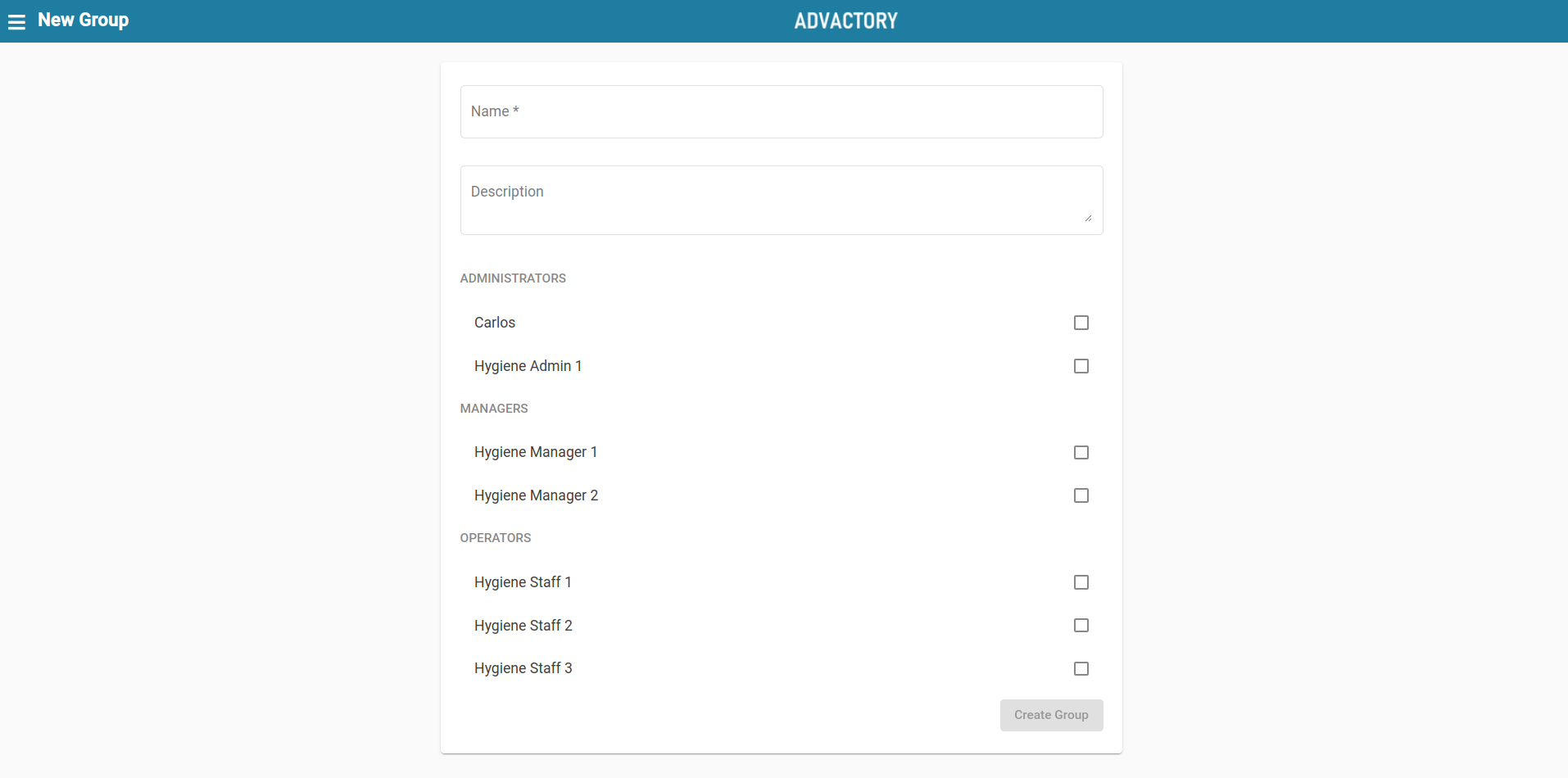
To create a new user group, simply press the yellow button in the lower right corner, add a name and description and select the users that shall be included in the group. After pressing the button below, the group is created and can be seen in this tab.