About Advactory
Advactory is a tool that allows you to manage your company's quality assurance no matter what type of production or service your company offers.
Installing Advactory as a Progressive Web App (PWA)
Installing Advactory as a PWA offers an improved User Experience, especially on mobile devices. Follow the installation steps here. Here you will also find information on how to change the language.
Tenant
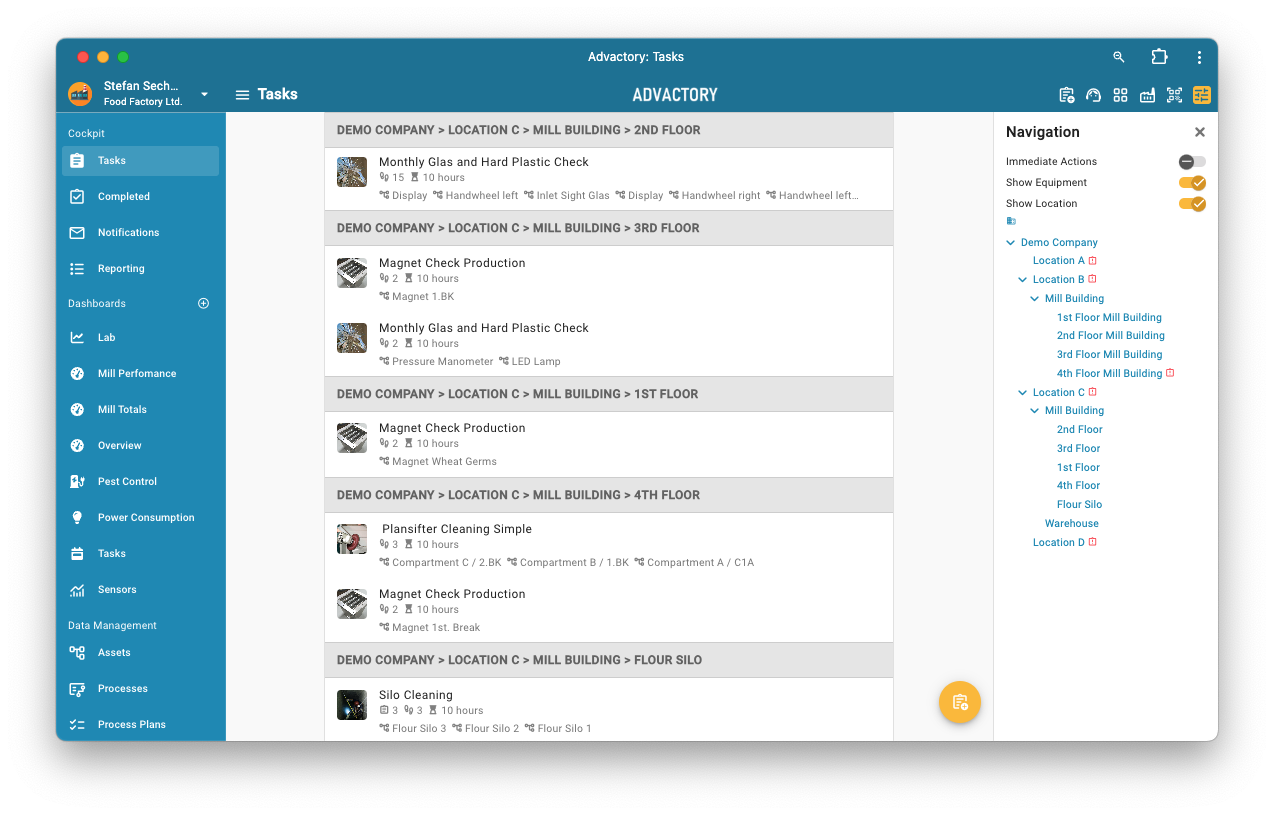
The tenant is your company account that you log in to manage your production plants/locations/workshops. Within a tenant the structure can be flexible so that it can be adapted to the companies needs. That means that any company generally requires only one tenant. For an example of a tenant structure follow this link.
It is possible to login by a set Username, the username will have the format name@tenant. For more information, see Users.
Roles
In each tenant there are 3 roles that can be assigned: Operator, Manager and Administrator. Each of these roles have different access levels to the tenant and should therefore be chosen wisely. In the following table is a quick overview on each role's permissions:
| Views/Permissions | Operators | Managers | Admins |
|---|---|---|---|
| Tasks | ✔️ | ✔️ | ✔️ |
| Notifications | ✔️ | ✔️ | ✔️ |
| Dashboard | ❌ | ✔️ | ✔️ |
| Sensors | ❌ | ✔️ | ✔️ |
| Reporting / Completed | ✔️ | ✔️ | ✔️ |
| Assets | ❌ | ✔️ | ✔️ |
| Processes | ❌ | ✔️ | ✔️ |
| Process Plans | ❌ | ✔️ | ✔️ |
| Tenant | ❌ | ❌ | ✔️ |
| Dashboard Categories | ❌ | ❌ | ✔️ |
| Custom Measurements | ❌ | ❌ | ✔️ |
| Users | ❌ | ❌ | ✔️ |
| Groups | ❌ | ✔️ | ✔️ |
| Service Contacts | ❌ | ✔️ | ✔️ |
Operators
Operators take care of the operational tasks. They get assigned tasks, which they see in their Tasks view and can check them after they are fulfilled. In addition Operators can access the Completed view for more insights on fulfilled tasks. They also have a Notification view where they will be notified about all processes where a notification scheme has been set up. Notifications are only customizable by Managers or Admins and should give more information or a warning about the process.

Managers
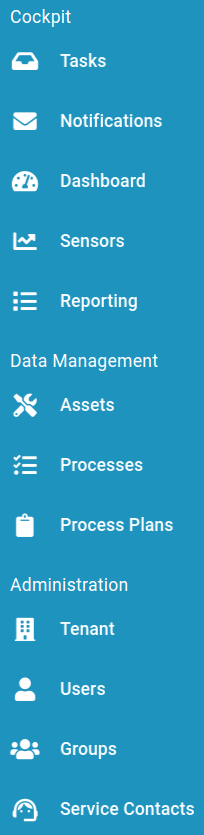
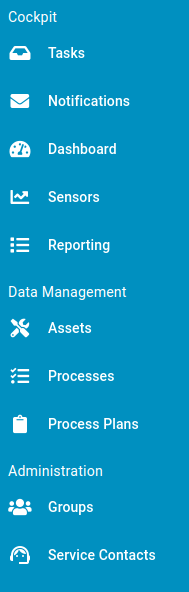
Managers have the same access right as Operators but can also create and manage processes, process plans and assets. Managers are supposed to plan and schedule tasks for the Operators. It is also possible to restrict the creation of new processes and process plans so that a certain user or user group (e.g. another manager or a group of admins) has to be asked for approval before releasing new tasks. See tenant for more information. The Completed view of the operator is exchanged by the Reporting view. Here the Manager can review all tasks that have been fulfilled by all Operators. In addition to the Operator views Managers have a Dashboard view where they get more insights into fulfilled, ongoing and upcoming processes, as well as the Sensors view to read out data from connected sensors. For connecting sensors to the Sensors view please have a look here. Managers are also allowed to create groups in the Groups view to structure their Operators into groups for easier assignment. For more information see Groups.
Admins
Admins have all the rights Managers have. Moreover they can add and delete users, assign them a role and manage their account details here. Also, they can manage the tenant, add custom sensor measurement types, set up approval hierarchies for new processes and process plans and create new API keys.