Process Execution
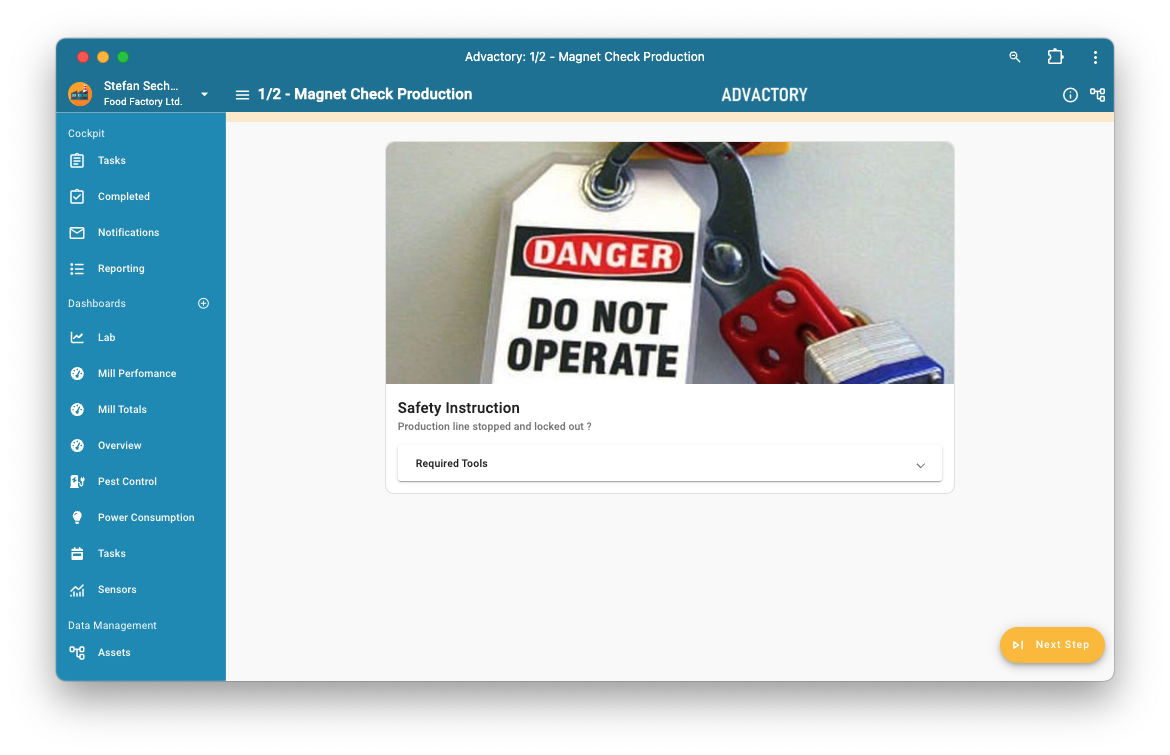
Process Execution means that every step is shown on the screen and executed one by one. This type of representation is generated by all processes that contain at least one step of type Instruction or Confirmation. If the process consists of multiple steps and one or more steps is of type Instruction or Confirmation it will also result in a Process Execution.
All processes are executed step by step upon pressing the yellow Next Step button. Each step can have several substeps, which are shown vertically.
Asset information
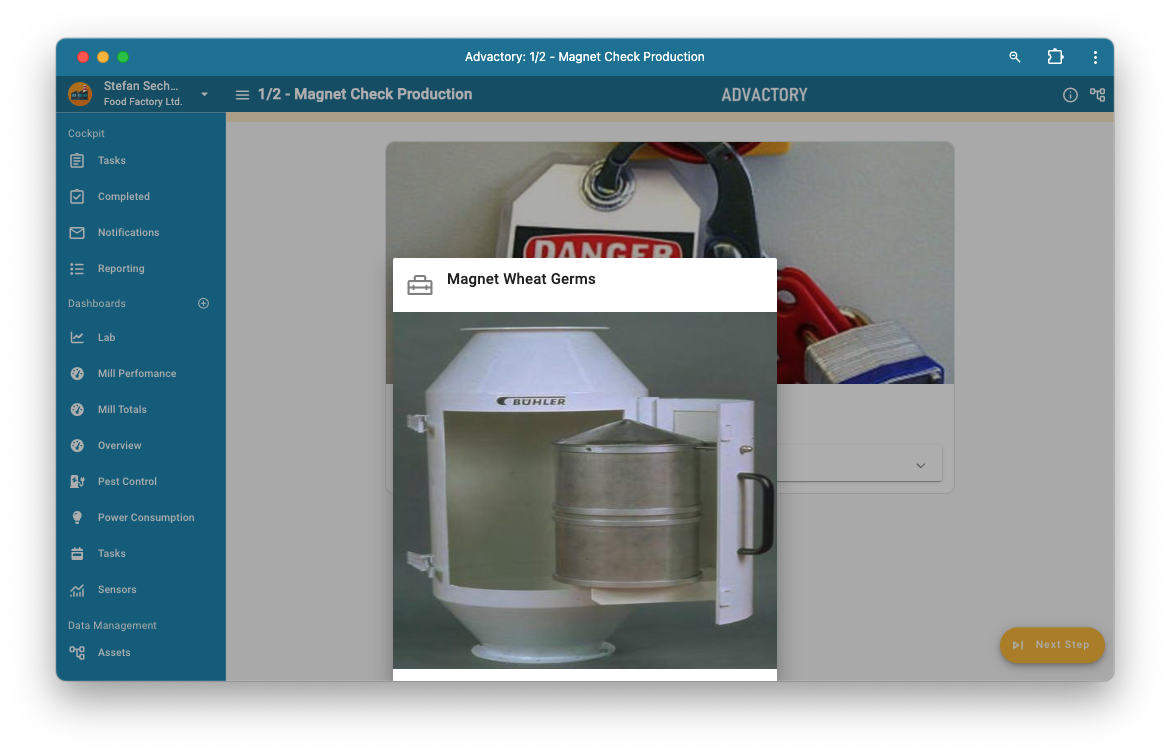
Detailed information about the currently affected asset is available anytime during process execution by pressing the asset button in the right hand corner in the top app bar.
Process information
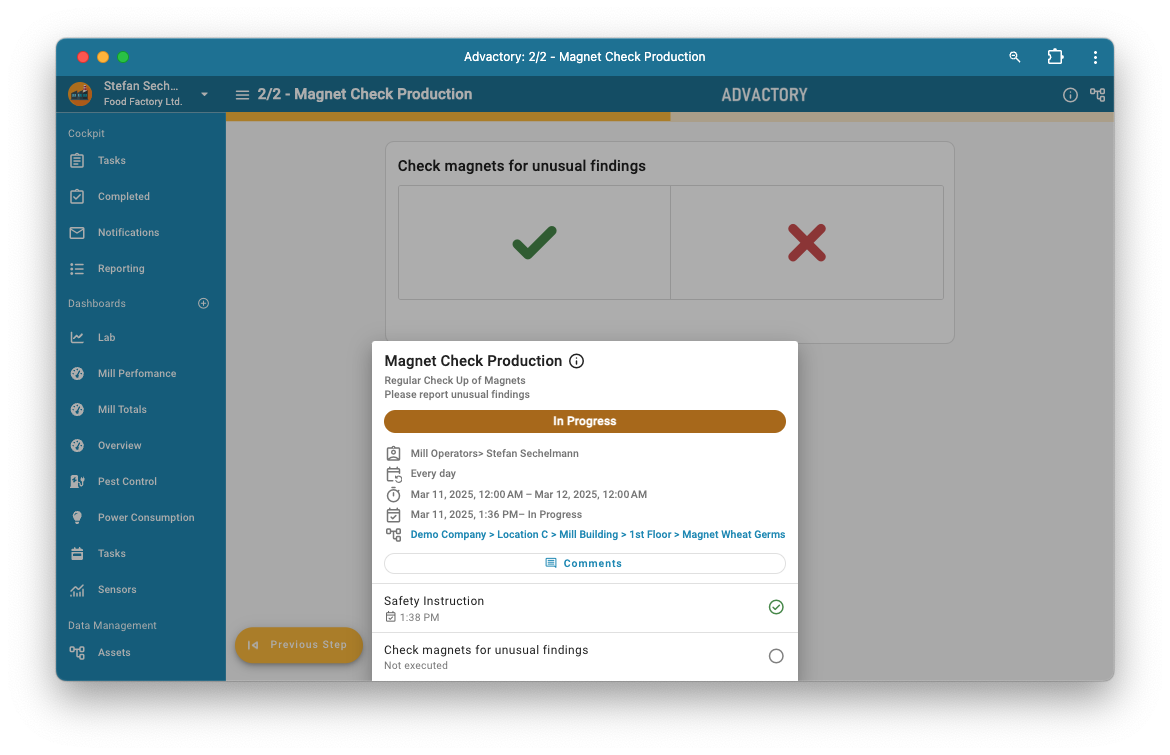
Detailed information on the current status of the process execution is available anytime during process execution by pressing the info button in the top app bar.