Checklist Execution
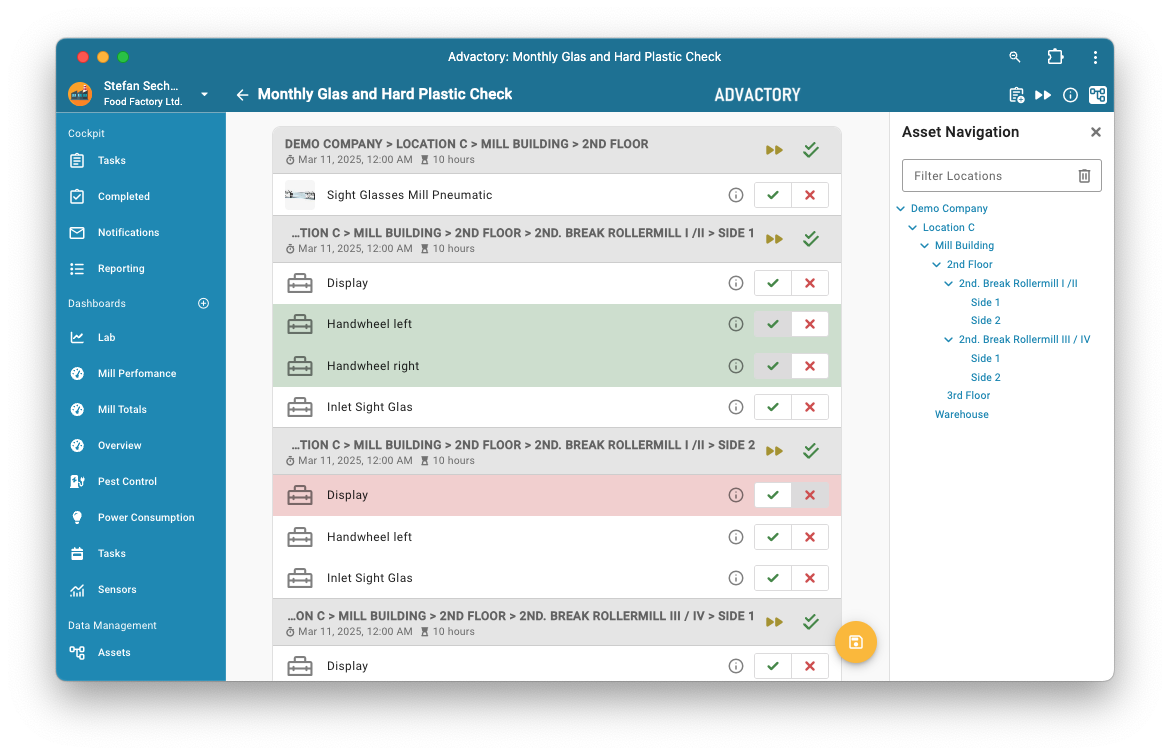
Checklist Execution means that all steps of a process are represented in a checklist as seen in the image above. This representation is only possible if all steps included are of type Checkpoint. If this is not the case the representation will be Process Execution instead. Checklists allow Operators to quickly examine and report the status of multiple check points. Items are grouped by location, and each item can be marked as "OK" by pressing the green check mark icon next to it. To quickly mark an entire location as "OK", the green double checkmark next to the location can be used. If an item is not ok, the red cross next to the item opens a dialog to report its status. In case the process needs to be skipped, press the "Fast Forward" button next to the green double checkmark. Usually this will trigger a dialog window asking for a reason for the skip request. Single check marks can be skipped by swiping the respective line to the left.
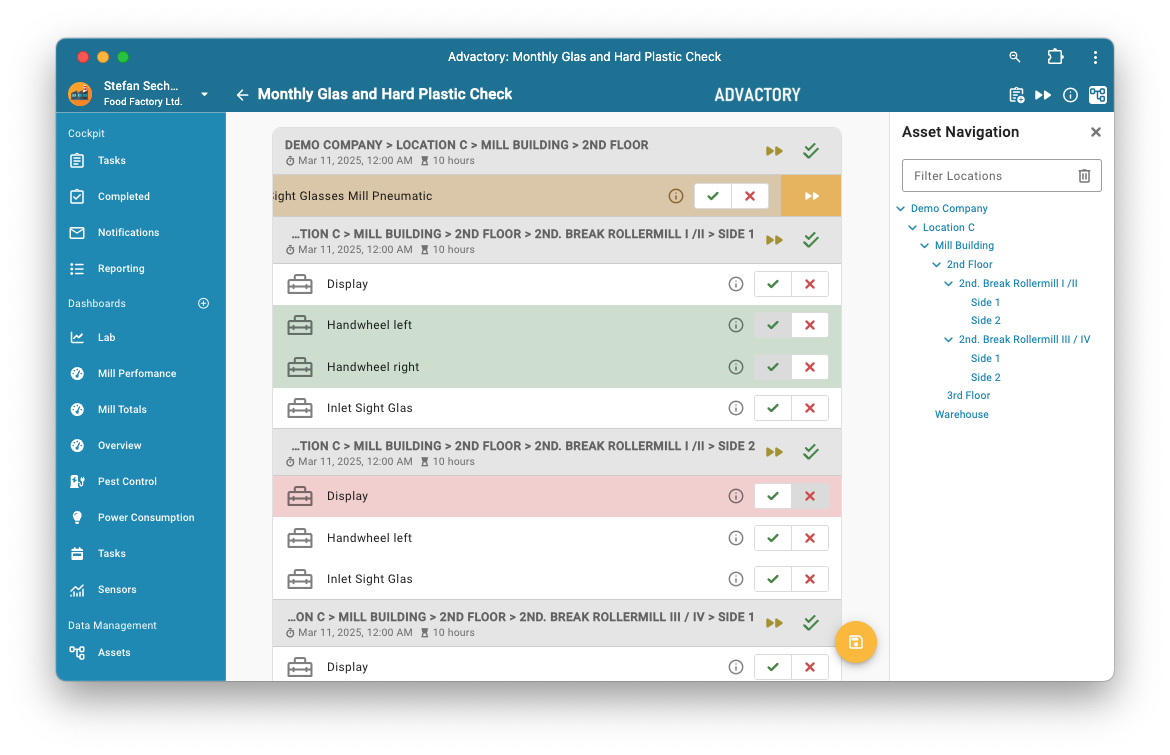
The selections are sent to the server upon pressing the yellow save icon, after which they can no longer be modified.
To easily navigate complex locations, there is a location sidebar on the right hand side. Clicking an item in this list jumps to the corresponding location in the checklist.